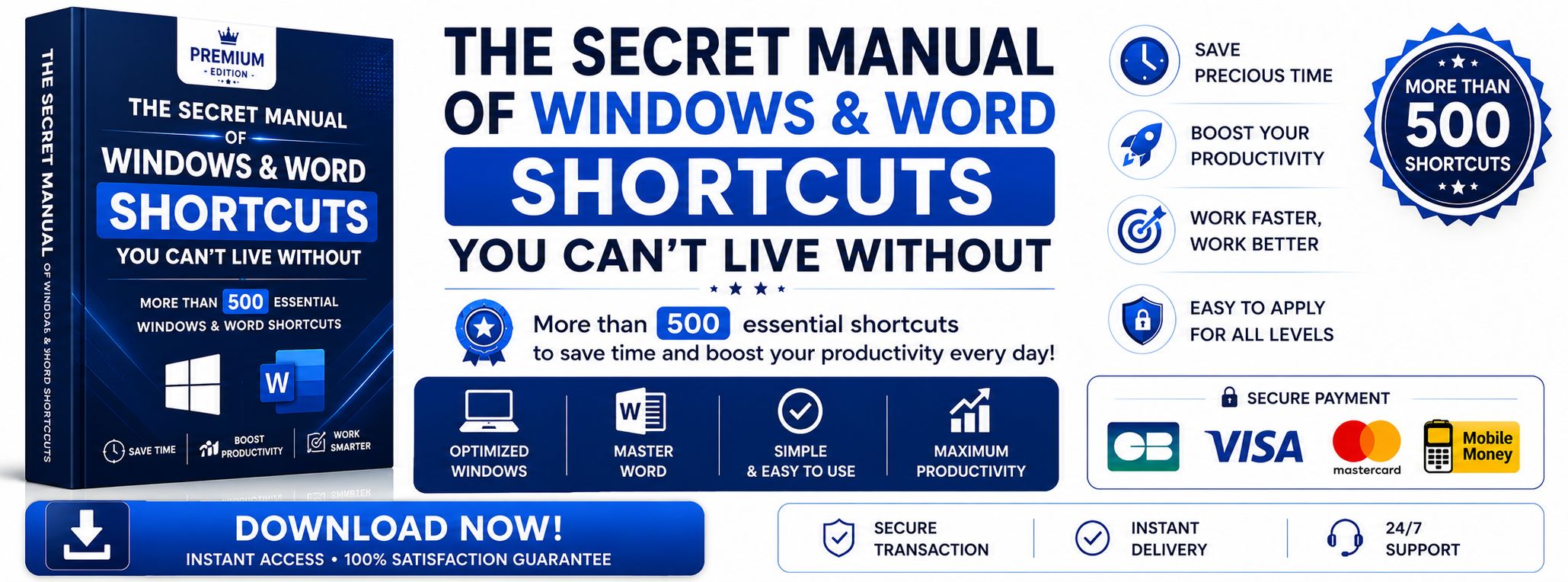
The Secret Manual of Windows & Word Shortcuts
The complete guide to working faster, easier, and like a professional
You use your computer every day…
but are you really using it in the fastest way possible?
Most users waste a huge amount of time with the mouse, menus, and unnecessary clicks. Yet professionals use a much faster method: keyboard shortcuts.
That’s exactly what this book will teach you.
Powerful and Complete Content
The Secret Manual of PC Shortcuts (Windows & Word) contains more than 500 essential shortcuts, carefully selected and organized to instantly make you more efficient:
300+ Microsoft Word shortcuts
200+ Windows shortcuts
Each shortcut is chosen to help you save time in your daily tasks, whether it’s writing, organizing, navigating, or managing your computer.
What You Will Actually Learn and Gain
With this guide, you will discover how to:
Write, edit, and format your Word documents in seconds
Use advanced Word features effortlessly
Create clean, fast, and professional documents
Copy, paste, select, and correct text much faster
Navigate through Windows without constantly using the mouse
Open, close, and organize files in record time
Manage your desktop and windows like an expert
Improve your productivity from the very first use
And most importantly: create your own custom shortcuts to adapt your computer to your habits and save even more time.
Thanks to this skill, you are no longer limited to existing shortcuts — you become the architect of your digital environment, capable of shaping your PC according to your needs.
Why Is This Book Different?
This is not just a simple document filled with commands.
It is a structured, simple, and practical guide designed so that even beginners can understand and apply everything immediately.
Every shortcut is a small productivity key that helps reduce your working time and increase your efficiency.
And with the ability to create custom shortcuts, you take it one step further: you gain complete control over your computer.
Results You Will Feel
As soon as you start applying what you learn:
You work faster than before
You spend less time on repetitive tasks
You become more organized on your computer
You stand out from other users
You save time every single day without extra effort
You enjoy a computer tailored to you thanks to the shortcuts you created yourself
You no longer struggle with your computer — you master it.
Who Is This Guide For?
This book is perfect for:
Students
Secretaries
Entrepreneurs
Computer beginners
Anyone who uses a PC daily
If you want to stop wasting time with the mouse…
If you want to work faster and smarter…
If you want to master your computer like a professional…
If you want to create your own shortcuts and adapt your PC to your needs…
Then this manual is exactly what you need.
Fewer Clicks. More Speed. Better Results.
And now: custom shortcuts, created by you, for you.